Paper is fast, and it works. Its cost is that the folders stay in a cabinet at one clinic while you are at another. Moving to Klinic2Go does not mean changing everything on the first day.
Keep your paper records as they are
Nothing needs to be brought in to start. Begin with new patients only. Your old paper records can stay in the cabinet, and you do not type them in.
From the first visit you write in Klinic2Go, that patient’s record goes with you.
When a patient with a paper folder comes back, add that patient in the app that day. From then on, the new visits go with you.
Set it up once
- Add your clinics. Each visit, bill and booking says which clinic it was at.
- Make your own price list, so charges are a tap.
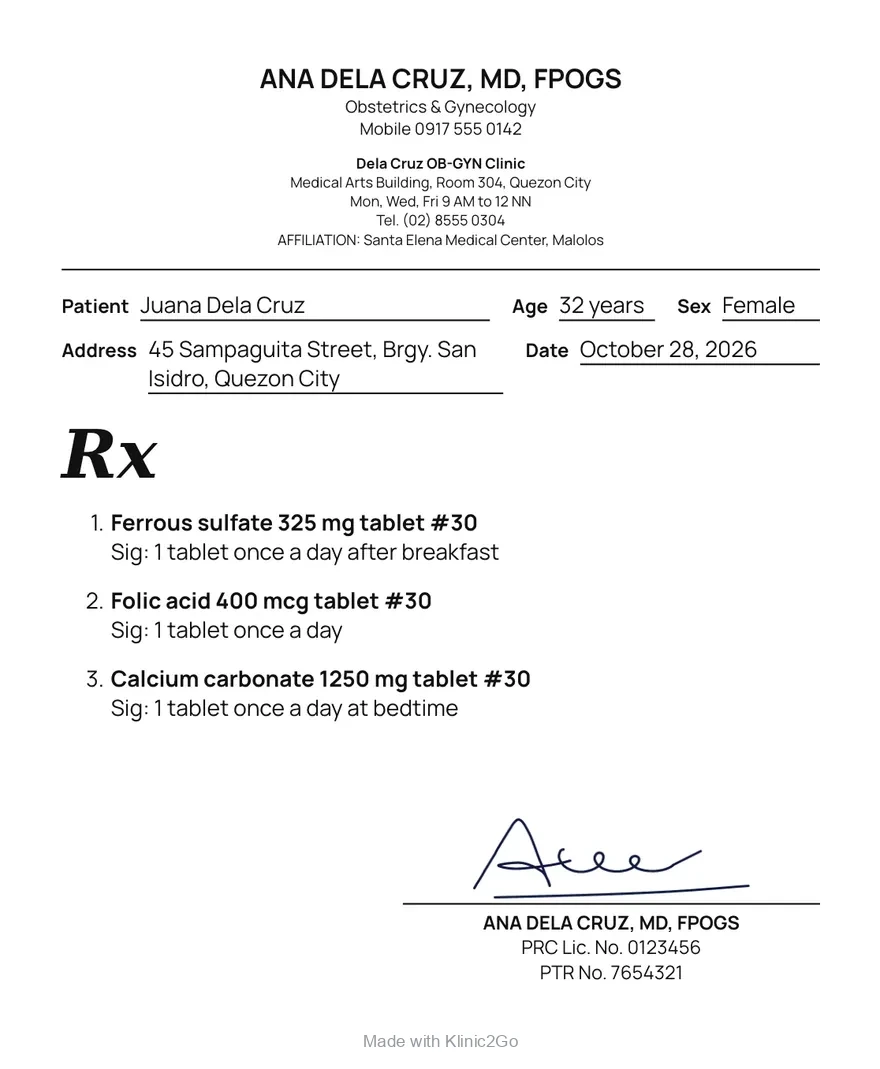
- Put in your name, license number and PTR. They print on your prescriptions and medical certificates. Set your signature once, and it goes on each prescription you save.
- Choose which details your secretary’s phone asks for.
- Pick English or Filipino for the app.
- Set a screen lock on every tablet and phone. The app opens with it.
- Keep your Google account safe, with two-step sign-in. If you lose your tablet, signing in with it brings your records back on a new one.
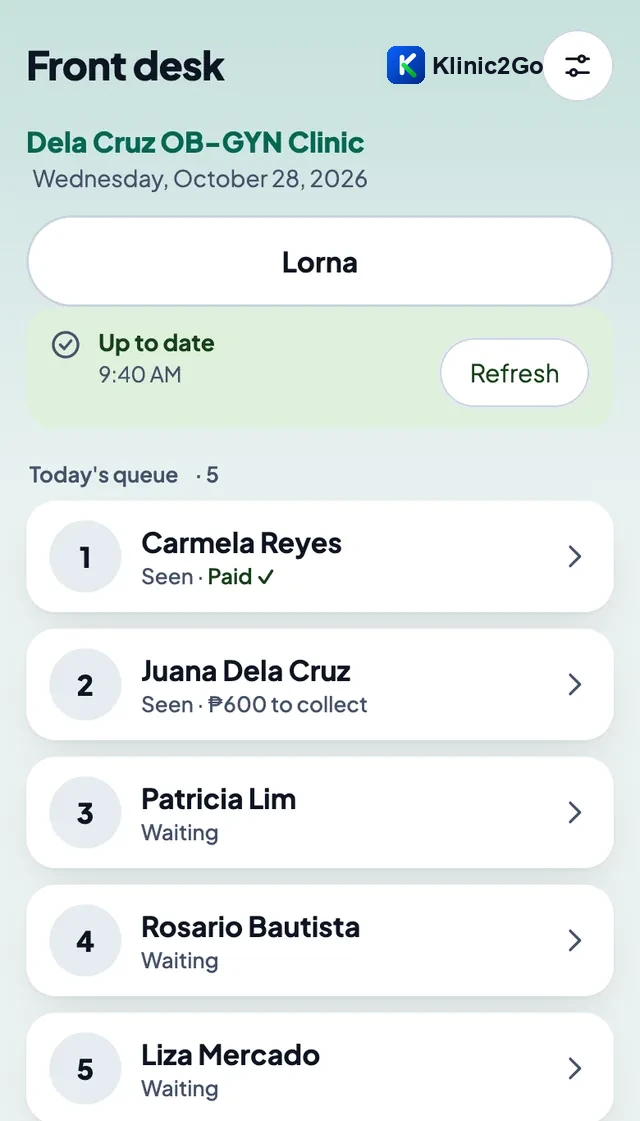
Pair your secretary’s phone
Pair it once, with your tablet and the secretary’s phone on the same Wi-Fi. No Wi-Fi at the clinic? Turn on your tablet’s hotspot and pair on that. After that it keeps up over the internet.
Your secretary types the patient’s details at the desk and sees today’s list: who is waiting, who has been seen, who has paid. Bookings and payments are on that phone too.
At a clinic with no signal
Open records, write visits and print with no internet. Your tablets and phones catch up with each other when there is a connection.
Type less from the first week
- The app remembers your prescription lines. Start typing a medicine and the lines you wrote before come up.
- Save a set you often give, like your usual prenatal vitamins, and add it in one tap.
- Medical certificates fill themselves from the patient’s record and the visit.
- Lab results and referral letters: take a photo instead of typing them.
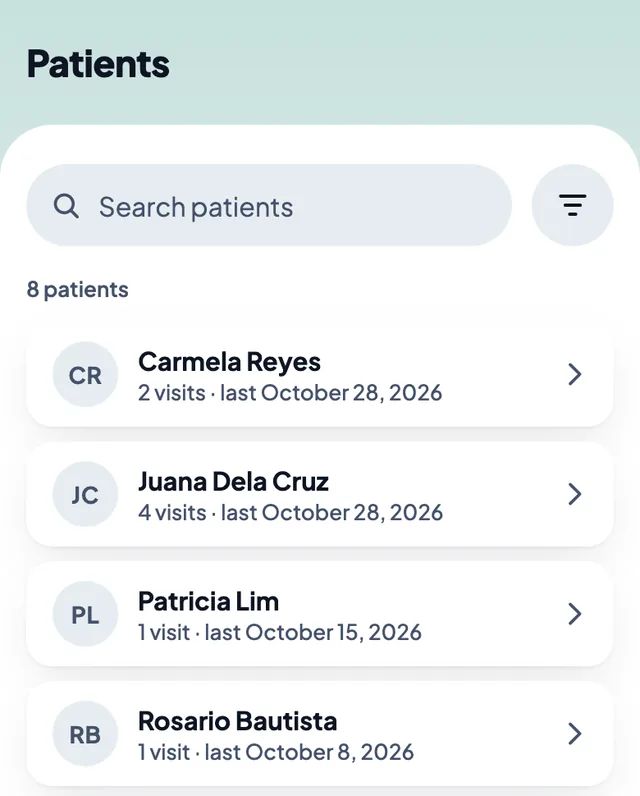
- Find a patient by typing any part of the name.
What stays on paper
- PhilHealth claims, HMO billing and official receipts are not in the app.
- Your old paper records, for as long as you keep them.
Try it for 10 days
The first 10 days are free. After that it is US$20 a month through Google Play, which shows the price in pesos. If you stop, you can still open, read and print your records.
Klinic2Go is not on Google Play yet. More answers are on the questions page.